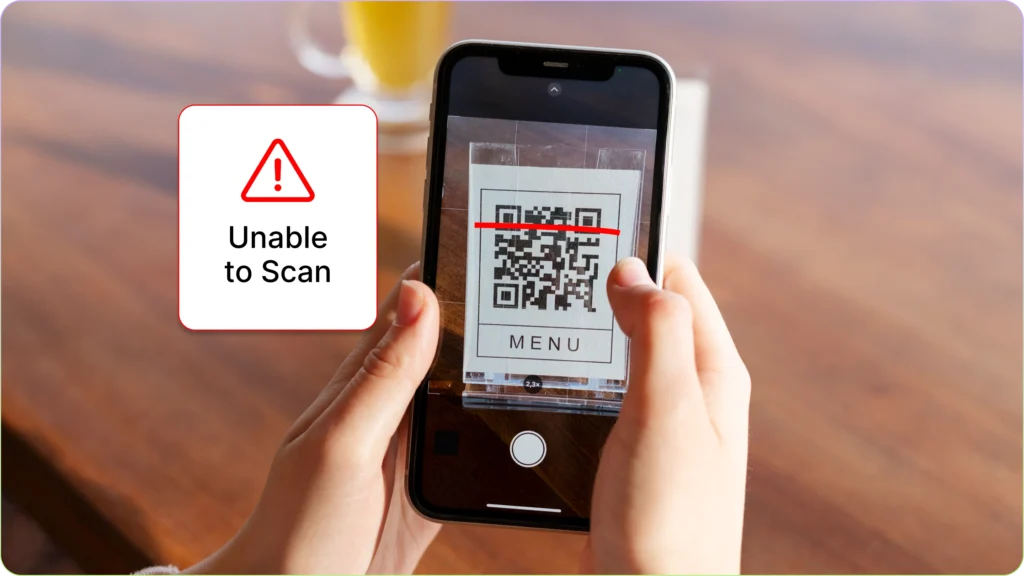
Troubleshooting Common QR Code Scanning Issues – QR codes are everywhere today. From restaurant menus and payment systems to event tickets and product authentication, these small black-and-white squares have become a simple bridge between the physical and digital world. Most of the time, scanning a QR code is instant and effortless. However, there are moments when the scan simply refuses to work.
If you have ever pointed your phone at a QR code and nothing happened, you are not alone. QR code scanning issues are surprisingly common and usually caused by simple problems that are easy to fix. Understanding the most frequent causes can save time and frustration, whether you are using QR codes for personal use, marketing, or business operations.
This quick guide will walk through the most common QR code scanning problems and how to troubleshoot them effectively.
Why QR Codes Sometimes Fail to Scan
Before jumping into solutions, it helps to understand why QR code scanning sometimes fails. QR codes rely on a camera, image recognition software, and a stable environment to work properly. When any of these elements is disrupted, the scanning process may fail.
Most scanning problems fall into three main categories: device issues, QR code quality problems, or environmental factors. The good news is that nearly all of these can be resolved quickly once the cause is identified.
Poor Lighting Conditions
Lighting plays a major role in successful QR code scanning. If the environment is too dark or excessively bright, the camera may struggle to detect the code pattern correctly.
In low light, the camera sensor cannot clearly capture the contrast between the black and white squares of the QR code. On the other hand, strong glare or reflections can distort the pattern and confuse the scanning software.
To solve this problem, move to an area with balanced lighting. Natural light works best, but indoor lighting that evenly illuminates the QR code can also help. Avoid direct reflections on glossy surfaces, especially when scanning codes printed on laminated materials or screens.
Camera Lens Is Dirty
One of the most overlooked causes of QR code scanning issues is a dirty smartphone camera lens. Fingerprints, dust, or pocket lint can blur the camera image just enough to prevent the scanner from recognizing the code.
If your QR code scans are frequently failing, take a moment to clean the camera lens. A microfiber cloth or soft fabric usually works best. Even a quick wipe can dramatically improve scanning accuracy.
Clear camera optics help the phone detect the small patterns inside a QR code, especially when scanning from a distance.
QR Code Is Too Small or Too Far Away
Size matters when it comes to QR codes. If a code is printed too small or viewed from too far away, the camera may struggle to capture the full pattern.
When scanning, try adjusting your distance. Move the phone closer to the QR code slowly until the scanning frame detects it. Most smartphone cameras automatically focus when they detect a code within the correct range.
If the QR code is part of printed material such as a flyer, poster, or packaging, ensure the code is large enough to be recognized by a standard smartphone camera.
QR Code Is Blurry or Damaged
Physical damage or poor printing quality can also make QR codes difficult to scan. Torn posters, scratched surfaces, or low-resolution printing can distort the pattern structure.
QR codes rely on precise pixel arrangements. When parts of the pattern are missing or blurred, scanners may fail to decode the information embedded in the code.
If you control the QR code source, consider reprinting it with higher resolution. For digital displays, make sure the code image is not compressed or resized in a way that reduces clarity.
Phone Camera Cannot Focus
Sometimes the issue is not the QR code but the phone itself. Certain devices may struggle to focus quickly, especially older smartphones with lower camera resolution.
If your phone fails to scan a code immediately, give the camera a second or two to focus. You can also tap the screen to manually trigger focus in many camera apps.
Holding the phone steady helps the autofocus system lock onto the code pattern more accurately.
Common Software-Related QR Code Problems
While many QR code scanning issues are physical or environmental, software can also play a role. Camera apps, operating systems, and QR scanning tools all influence how smoothly the process works.
Outdated Camera or QR Scanner App
Modern smartphones usually include built-in QR code scanning through the camera app. However, if the software is outdated, it may struggle to interpret newer QR code formats.
Updating your device operating system or camera application can often fix this issue. Developers frequently improve scanning algorithms and compatibility with updates.
If your phone does not have built-in scanning capability, installing a reliable QR code scanner app can significantly improve performance.
Slow Internet Connection
Many QR codes redirect users to websites, payment portals, or online content. Even if the scan itself succeeds, a slow internet connection may prevent the content from loading.
In this situation, it may appear as if the QR code failed, when the real issue is network connectivity. Switching to a stronger Wi-Fi signal or enabling mobile data can resolve the problem.
A stable internet connection ensures the destination page loads quickly after the code is scanned.
Incompatible QR Code Content
Not all QR codes contain simple website links. Some may trigger downloads, app launches, payment systems, or specialized services.
If your device does not support the action embedded in the code, the scan may appear to fail. For example, a payment QR code designed for a specific app may not work without that app installed.
In these cases, installing the required application usually solves the problem.
Tips to Improve QR Code Scanning Success
Consistently successful QR scanning often comes down to a few simple habits. Position the camera steadily, maintain good lighting, and make sure the QR code itself is clear and undamaged.
Keeping your smartphone updated and ensuring the camera lens stays clean can also make a noticeable difference. Small adjustments like these help the scanning system recognize QR codes faster and more accurately.
For businesses that rely on QR codes for marketing or customer engagement, testing codes across multiple devices before publishing them is also a smart strategy. This ensures the code works smoothly for a wide range of users.
Final Thoughts
QR codes are designed to make digital access faster and easier, but occasional scanning issues can still occur. Fortunately, most problems are simple to identify and resolve.
Whether the cause is poor lighting, a blurry camera lens, or outdated software, a few quick troubleshooting steps can usually restore normal scanning functionality. Understanding these common QR code scanning issues helps ensure a smoother experience for both everyday users and businesses that depend on QR technology.
With the right setup and a little attention to detail, QR codes remain one of the most convenient tools for connecting the offline world with online information.