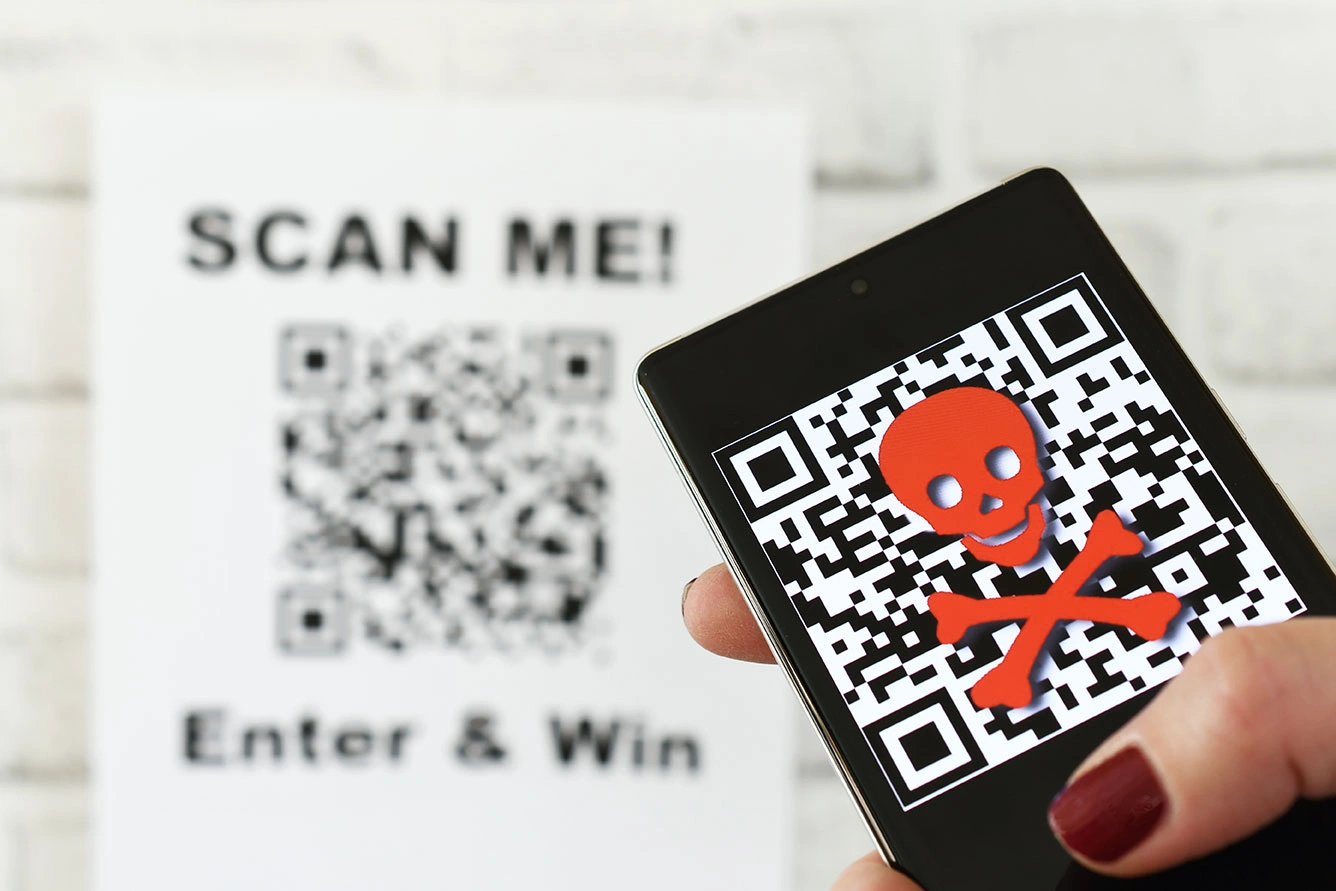
What Is Quishing? Understanding the New QR Code Scam
What Is Quishing? Understanding the New QR Code Scam | Imagine this scenario: you are in a rush to park your car in a crowded downtown area. Near the payment machine, a QR code is prominently displayed with clear instructions to scan for faster payment. Without any suspicion, you point your phone’s camera, tap the link that appears, and input your credit card details. A few hours later, your phone buzzes with mysterious transaction alerts draining your bank account.
The situation described above is no longer just a sci-fi storyline, but a harsh reality of an increasingly rampant cybercrime method. This phenomenon is known as quishing, a blend of the words QR code and phishing. This fraudulent technique exploits high public trust in the convenience of these little black-and-white squares to steal personal data, financial information, or inject malicious software (malware) directly into your phone’s operating system.
The success of this tactic lies deep within human psychology, which naturally prioritizes speed and convenience. Ever since this technology was mass-adopted for digital restaurant menus, contactless payments, and e-tickets, user vigilance has significantly dropped. Consequently, a small illicit sticker slapped on by a criminal is often all it takes to deceive hundreds of unsuspecting people in a single day.
How QR Code Tampering Happens in Public Spaces
These illegal operations are executed in a highly tactical and often seamless manner. Cybercriminals do not need to hack into complex banking systems to steal your money; they simply exploit the weak spot in physical interactions between humans and technology.
One of the most common methods is replacing physical codes in public facilities. Scammers print fraudulent QR code stickers that look almost identical to the legitimate ones, then paste them directly over the official codes. High-risk locations frequently targeted for these operations include:
-
Restaurant Tables: Swapping digital menu codes to redirect customers to fraudulent payment gateways.
-
Parking Meters: Tricking drivers who want to pay their parking fees quickly.
-
Public Charging Stations: Trapping users looking for quick internet access or complimentary charging services.
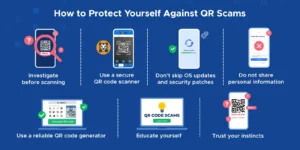
Beyond physical tampering, this scam has also expanded into the digital realm via automated text messages (SMS phishing) or emails. You might suddenly receive a message claiming to be from a major shipping company, stating that a package could not be delivered due to an outstanding customs fee. Inside the message, instead of a standard text hyperlink, they embed a QR code image under the guise of system security. In reality, this is just a trick to bypass your email client’s spam filters, which often fail to scan malicious links hidden within images.
Smart Steps to Verify the Legitimacy of a QR Code
Avoiding this digital trap does not mean you have to stop using scanning technology altogether. The key lies in sharpening your awareness and developing a habit of verifying information before taking action. There are several visual and procedural indicators you can use to filter out safe codes from those that potentially collaborate with cybercriminals.
Check for Physical Modifications on Printed Media
Before activating your smartphone camera, take two seconds to look at and feel the surface of the sign or pamphlet displaying the code. If you feel a raised double layer, notice crooked edges, or detect peeling marks around the square, abort your plan to scan it. Legitimate businesses and vendors always print QR codes directly onto the acrylic boards or posters, rather than haphazardly sticking them onto finished materials.
Utilize the Link Preview Feature
Every modern smartphone, whether running on Android or iOS, features a native security system that displays a preview of the website address (URL) right after the camera reads the code. Do not instantly tap or allow the browser window to open automatically if your phone has auto-navigation enabled. Turn off the auto-open feature in your scanner settings so you always have a moment to inspect the URL structure first.
Detect Anomalies in the URL Structure
Cybercriminals frequently register web domains that look incredibly similar to legitimate brands to deceive untrained eyes. This technique is known as typosquatting. Pay close attention to the structural differences below:
-
Official URL:
companyname.com -
Fraudulent URL:
login-update.comorcompany-name-security.net
If the primary domain consists of random words, uses unusual number combinations, or contains overly long and confusing subdomains, it is a definitive red flag that you are being funneled into a digital trap.
Recognize Forced and Urgent Communication Patterns
Social engineering tactics always rely on creating a sense of panic or extreme urgency. Fraudulent messages are usually accompanied by threats such as “Your account will be frozen within 2 hours” or “Late fees will double if you don’t scan now”. Genuine government agencies, banks, and professional service providers will never suddenly use a QR code to force you into making critical financial decisions.
Proactive Strategies to Protect Yourself from Cyber Threats
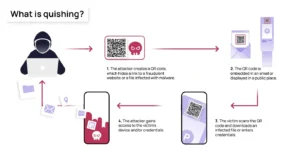
Awareness alone is insufficient if it is not backed by consistent preventive actions in your daily digital routine. To ensure your sensitive data and digital wallets remain optimally protected, implement the following self-security protocols:
Prioritize Access Through Official Apps
When paying monthly utility bills, parking fees, or ordering food at major franchise outlets, avoid relying on printed QR codes displayed in open public spaces. A much safer alternative is to open the official service provider’s app already installed on your phone, or manually type their official website address into your browser’s search bar. Bypassing third-party physical elements completely cuts down the risk of intervention.
Stay Skeptical of Unsolicited Codes
Never scan a code that comes from an ambiguous or unknown source. Unmarked letters in your physical mailbox promising a free vacation, mysterious prize flyers inside online shopping packages that don’t list the sender, or WhatsApp messages from random foreign numbers must be completely ignored. Turning a blind eye to these messages is the most effective way to break the chain of a cyberattack before it even starts.
Exit Immediately If Prompted for Credentials
A basic QR code meant for a food menu or tourist information should only display text, images, or informative documents. If, after scanning, your phone screen loads a form requesting your username, password, PIN, or debit card details, close that browser tab immediately. Do not fill out any fields, even if the page looks identical to your banking or social media login page.
Fortify Your Device’s Defenses
Layered security is your best bet to minimize damage in case you accidentally make a wrong scan. Ensure Multi-Factor Authentication (MFA or 2FA) is active across all your vital accounts, such as your primary email, banking applications, and digital wallets. With this feature active, even if a scammer manages to harvest your password through an imitation site, they still won’t be able to log in without the secondary verification code sent directly to your phone or authenticator app. Additionally, keep your phone’s operating system updated to patch software vulnerabilities that could be exploited by malicious scripts.
Striking a Balance Between Convenience and Security
Technology is fundamentally created as a tool to simplify civilization, not to become a new source of fear. The presence of these two-dimensional matrix barcodes has contributed massively to accelerating micro-economies and eliminating tedious physical transaction bureaucracies.
Nevertheless, every technological leap is inevitably accompanied by loopholes used by irresponsible parties seeking illegal profits. Being a tech-savvy user does not mean becoming paranoid and rejecting innovation; rather, it means becoming a wise, critical, and careful individual when interacting with the digital ecosystem.
By building the habit of checking the physical condition of codes, inspecting link previews closely, and applying layered authentication to personal devices, you can continue to enjoy the convenience of scanning technology with complete peace of mind. Protect your data proactively, because your personal cyberspace security begins right at your fingertips before tapping that screen.